
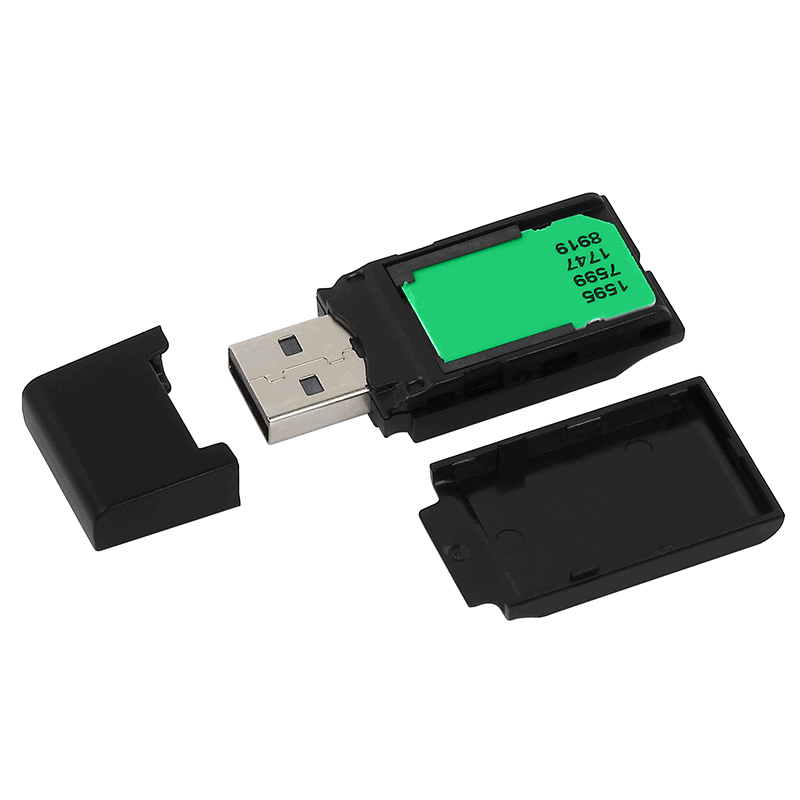
- Card and certificate
- File and signature
- Validate the result
Prepare your workstation
Connect the reader and card. Check that your software sees the certificate. A reader light alone does not establish that signing is ready.
Add the finished document
Open the signing section in proCertum SmartSign and add the file. For a PDF, check PAdES settings and recipient requirements. Review the content before signing; subsequent editing can affect validation.
Use your certificate
Choose the certificate of the person who needs to sign and check its dates. Start signing and enter your PIN in the application. Compare details carefully if multiple certificates are available.
Check the output
Open the saved result and inspect its signature before sending it. Signing and submitting through a portal are separate tasks. Keep the portal receipt when that completes the process.
The solution and your next questions
Explore the solution and supportHave a similar case?
Tell QES what you need to accomplish and where you are in the process. We will match the right solution or identify what is missing.
Contact QES