
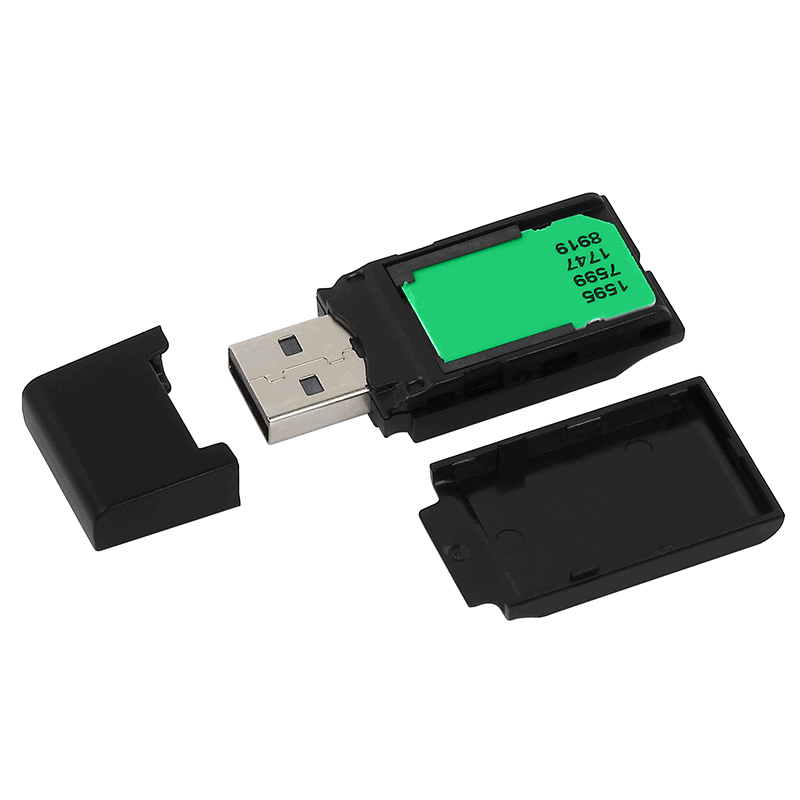
- Hardware and software
- Certificate installation
- Test signature
Check the kit
Establish the card and reader models, operating system and computer ports. Older hardware needs a compatibility check. Coordinate installation with your IT team on a managed computer.
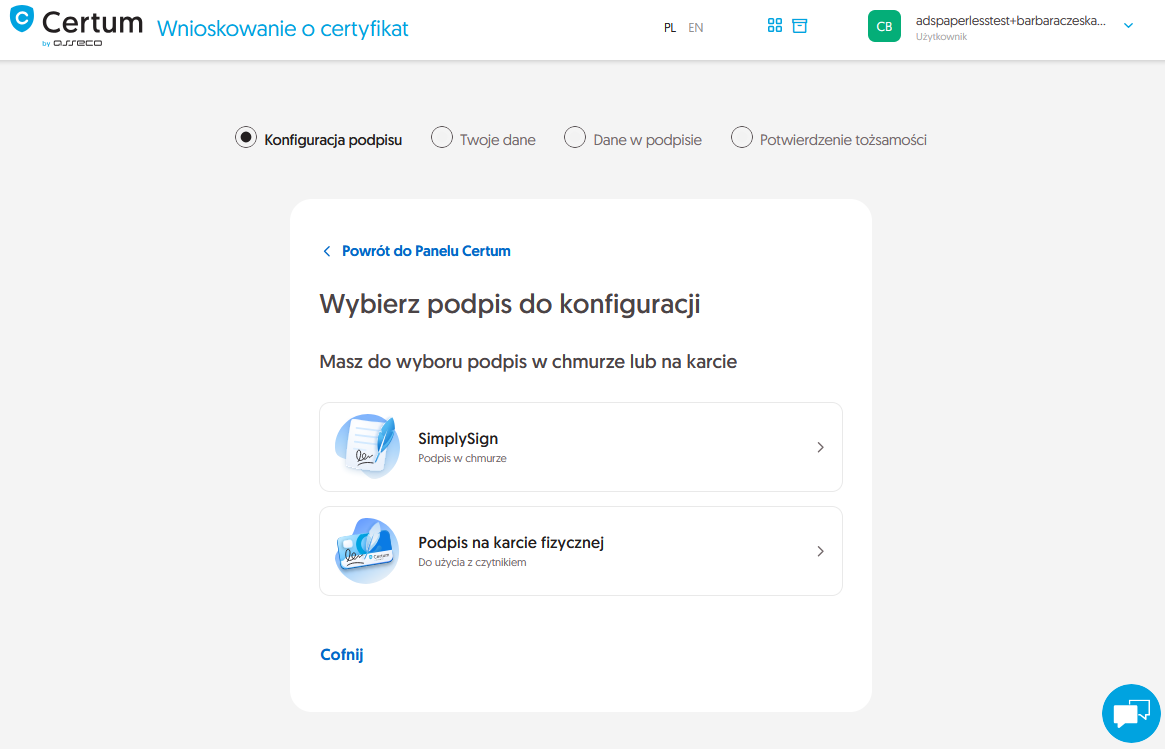
Complete issuance
Application, data checks and identity verification come before installation. Use the qualified personal signature instructions; code-signing certificate instructions describe another product.
Install on the correct card
After issuance, follow the designated installation process and use current software, including proCertum CardManager where required. Connect the card before starting. Handle PIN and PUK carefully; do not reset a card simply because the certificate is missing from an application.
Verify the result
Inspect the card and certificate details, then open the signing application. Check the name and dates. Sign and validate a test file. If the reader is visible but the certificate is missing, record that precise symptom.
The solution and your next questions
Explore the solution and supportCan I reuse an older reader?
It depends on compatibility between the reader, card and computer. Tell me the model. Replacing every component is not automatic; continued use needs checking.
What should I check on a company computer?
Check the operating system, ports, installation permissions and target application requirements. Coordinate the workstation setup with IT before activation.
Have a similar case?
Tell QES what you need to accomplish and where you are in the process. We will match the right solution or identify what is missing.
Contact QES